
Family clips pile up
Turn a day of small videos into one recap that is easier to show family.
Choose family, trip, or event clips. Kyodo joins them in capture order, shortens long waiting parts, adds captions and bundled BGM, and saves only the finished result to Photos.
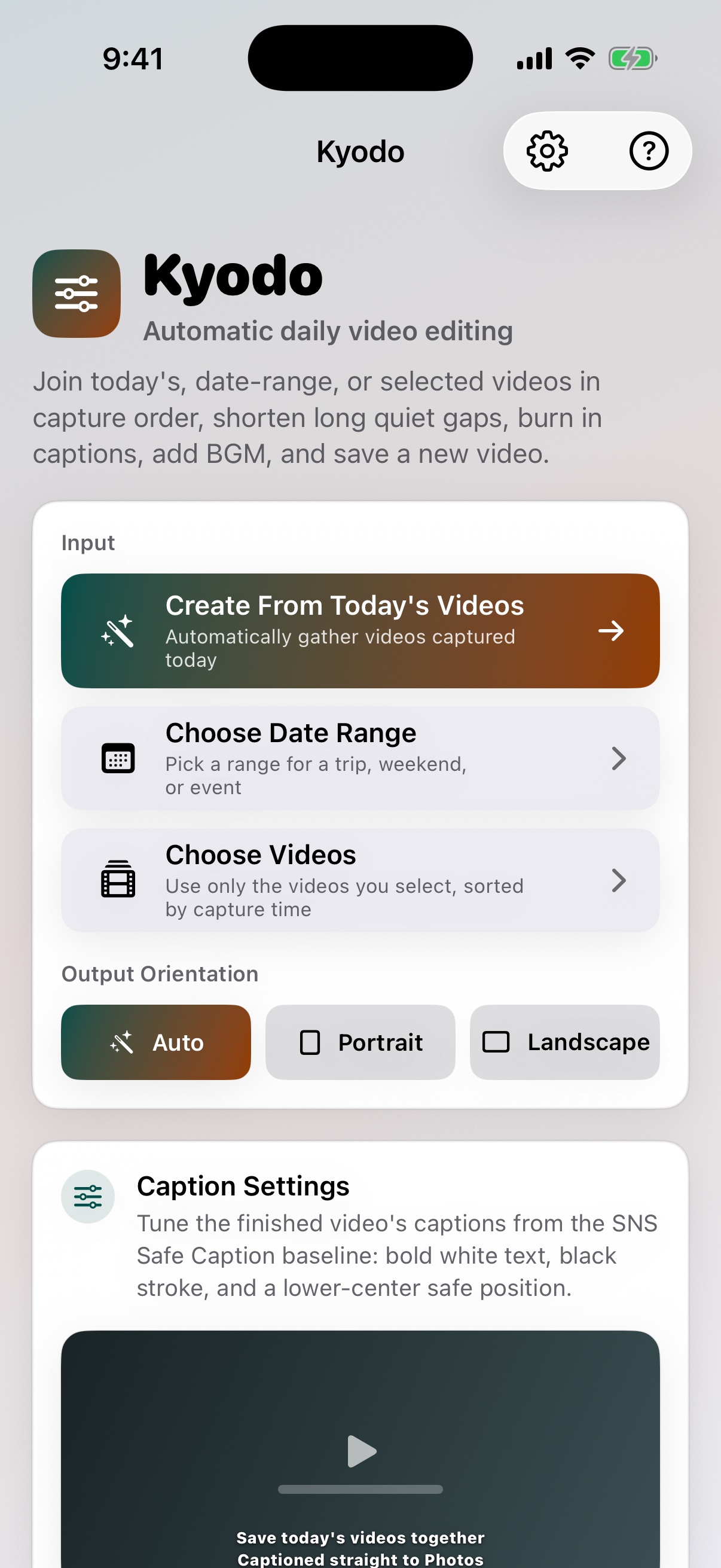
Kyodo is not a manual timeline editor. It is for turning family, trip, and event videos sitting in the camera roll into something easier to revisit and share.
Turn a day of small videos into one recap that is easier to show family.
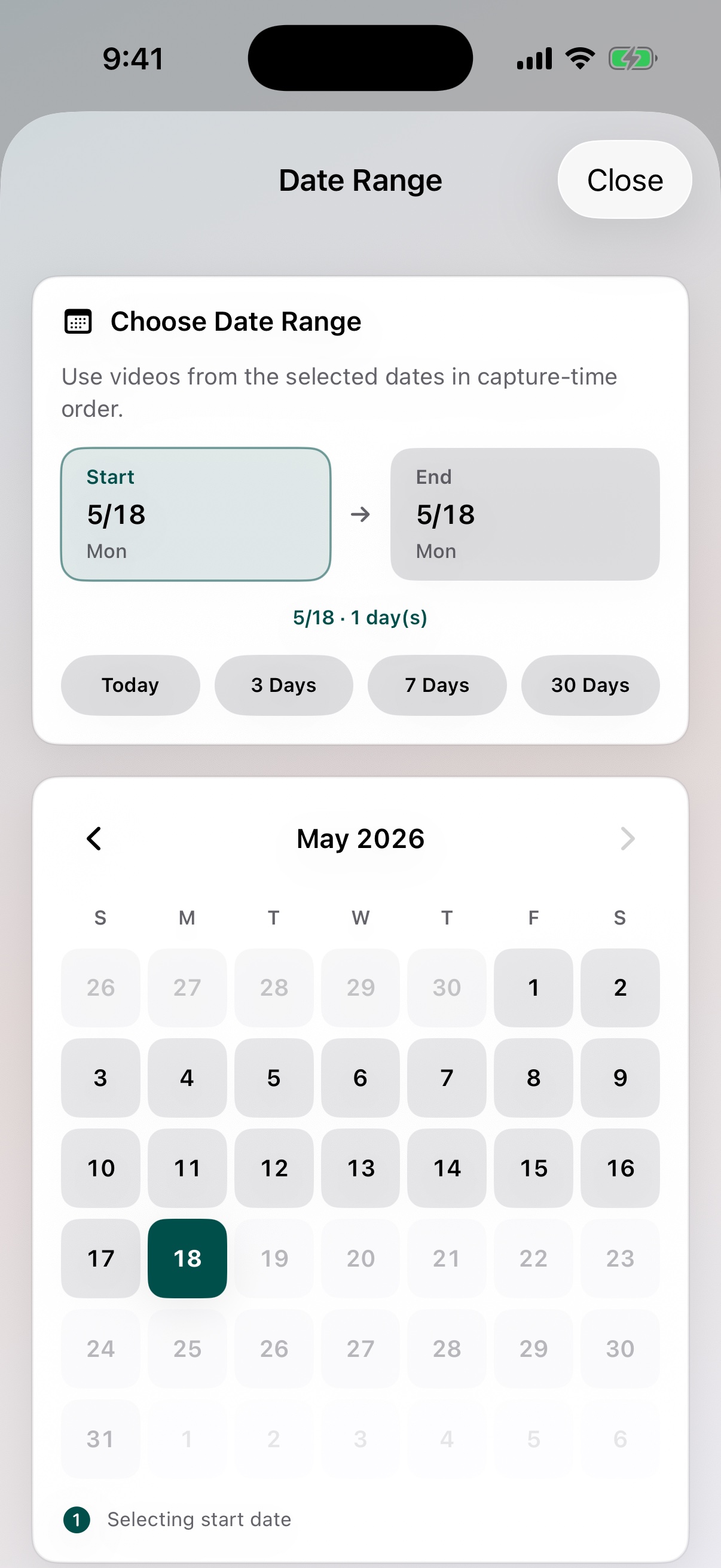
Choose a trip or event date range and keep clips in capture-date order.
Use speech and long waiting gaps as cues for a more watchable rough cut.
The main Kyodo path runs from selecting videos to saving a finished copy. You do not need to learn timeline commands first.
Use today's videos, a date range, or selected clips.
Speech and long non-speech gaps guide the first pass.
Create captions from audio and add them to the result.
Mix bundled music while lowering BGM around voice-like sections.
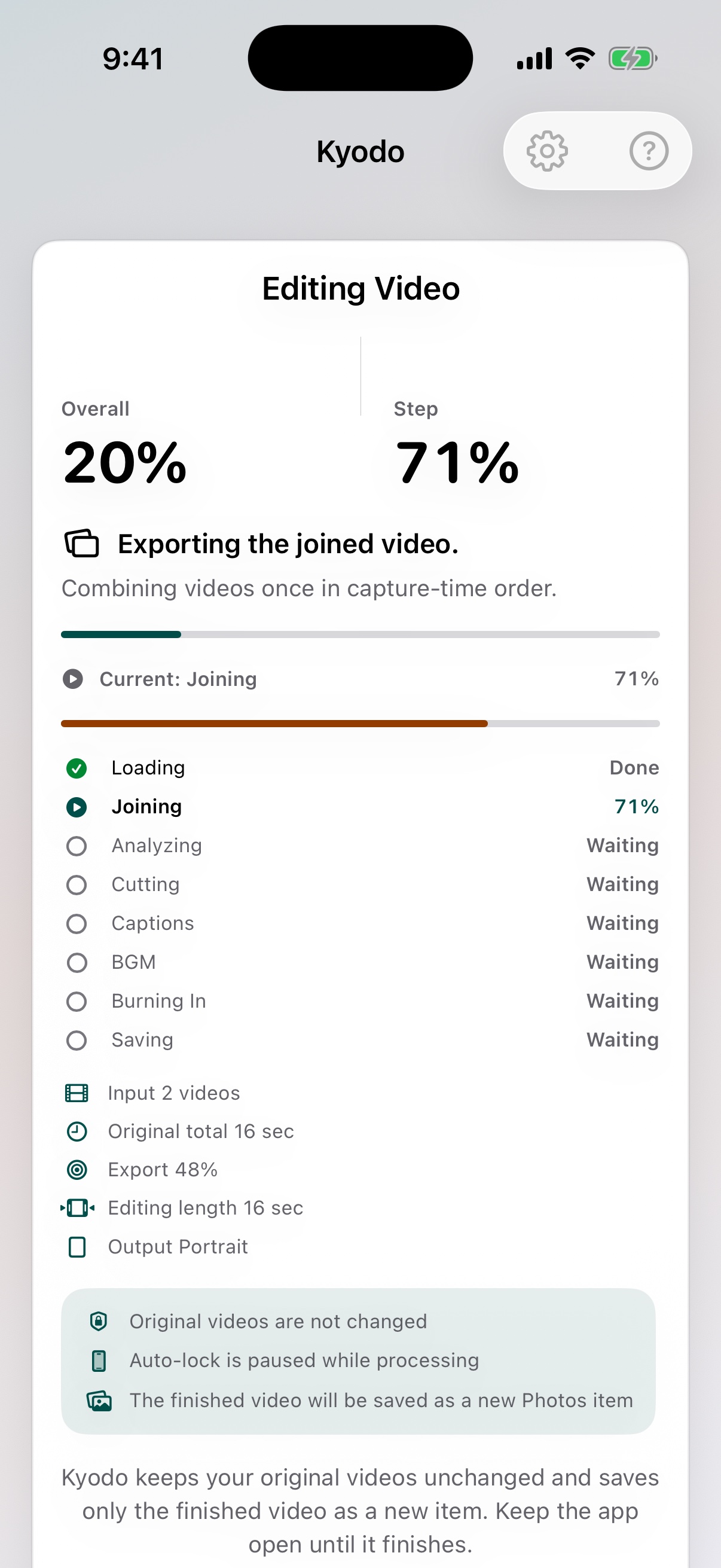
Choose the source, let Kyodo process it, then save the finished copy. The LP now shows the actual app screens along that path.
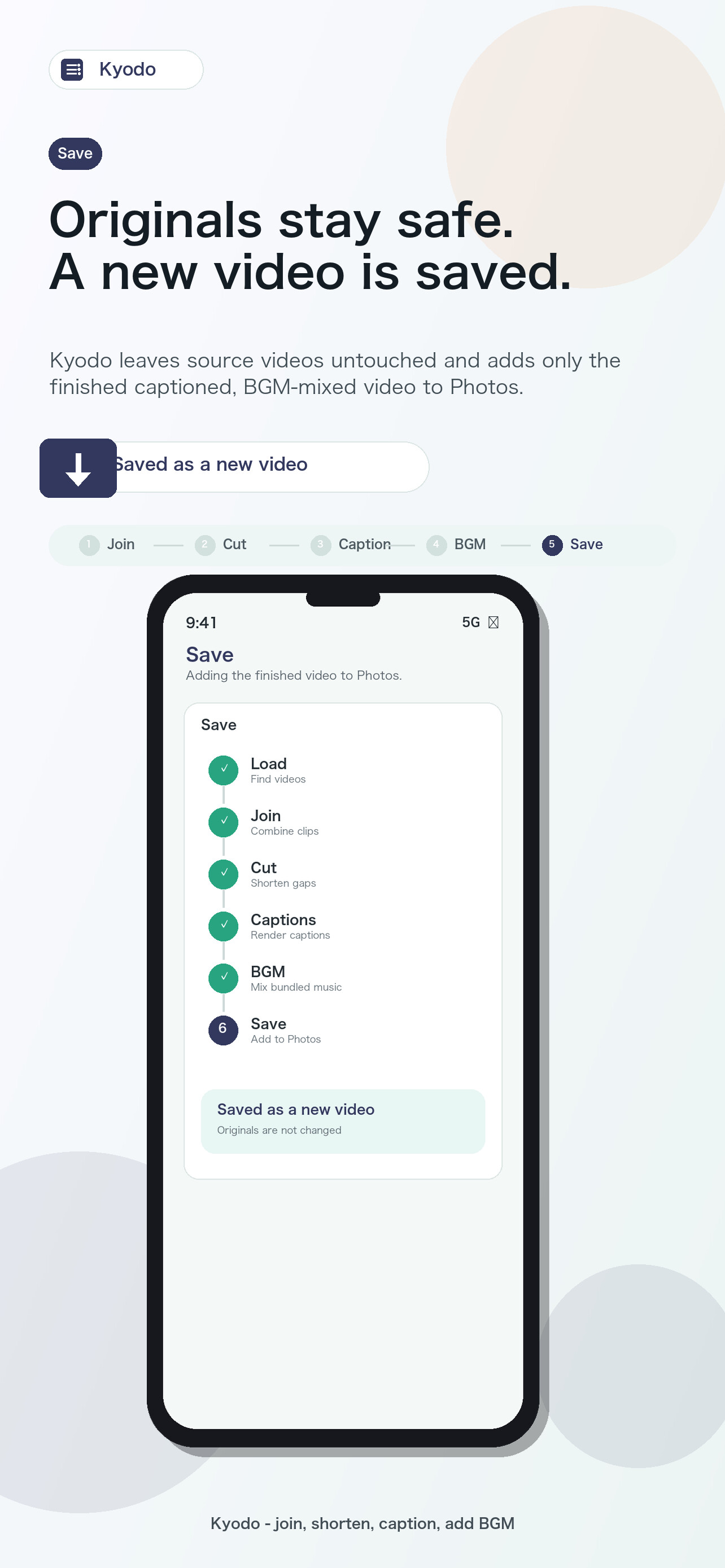
Kyodo saves only the finished copy. It does not overwrite source videos, and videos are not uploaded to a developer-operated server.
Kyodo reads selected videos and saves a new finished result.
Joining, rough cutting, captions, BGM mixing, and export happen on iPhone.
Share the finished copy from Photos with family or friends.
Kyodo remains the main product. Focused apps are secondary paths for users who already know the single task they need.
Use Joinner when you only need to join clips in capture order.
See JoinnerCutter, SubTitler, and Mixer are focused entry points for one task.
Choose by problemUse Masker when you want to review face or text candidates and apply blur or mosaic.
See MaskerKyodo makes the most sense once you save a finished copy to Photos.