iPhone videos often end up as small fragments in the Photos library. A few seconds from a trip, a family moment, a short clip from a day with friends. Each one matters, but they are not always easy to revisit when they stay scattered.
A simple first step is to join clips from the same day into one video in capture-date order. You do not need a complex editing workflow just to preserve the flow of the day.
Start with the source videos
Decide whether you want to use videos captured today, or choose specific videos yourself. For a trip or event day, today's videos often tell the story naturally. If you want to mix videos from different days, choosing them manually gives you more control.
Order matters too. Capture-date order keeps the timeline close to how the day actually happened, without asking you to arrange each video by hand.
What Kyodo does
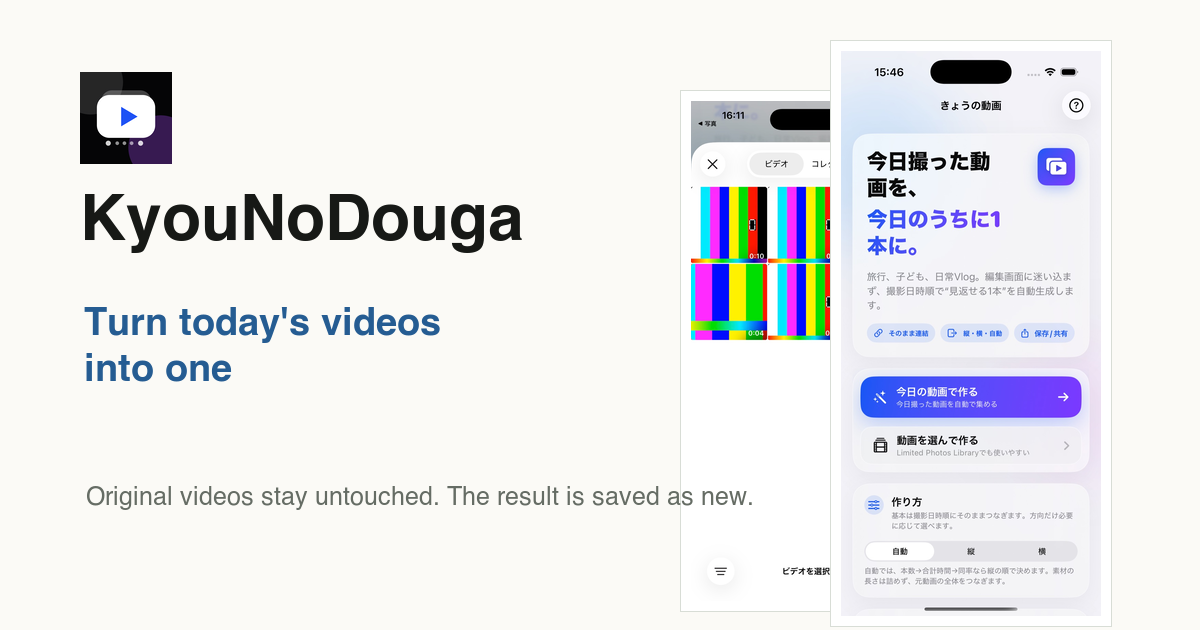
Kyodo is an iPhone app for turning today's videos, date-range videos, or selected videos into a finished video you can save to Photos.
- Find videos captured today
- Use videos from a trip or event date range
- Let you select videos manually
- Join videos in capture-date order
- Shorten long pauses using speech and non-speech gaps as cues
- Add captions and bundled BGM
- Save the completed video to Photos
Original videos stay untouched
Kyodo does not modify your original videos. The completed result is saved as a new video in Photos, so the source videos remain available.
Video processing happens on the device. Videos are not uploaded to a developer-operated server.
When it is useful
The app is suited for trips, family records, daily vlog-style memories, and sharing clips after an event. It is especially useful when you take many short videos but do not want to spend time editing them later.
Creating one video at the end of the day makes the result easier to find, watch, and share.
Make the first video
Photos access, video selection, and save behavior are covered on the Kyodo how-to page.